
A child in a yellow raincoat stands on a meadow looking across the valley to a small daycare

    Hand your daycare admin to Beenest and get back to the children.

    Documentation, attendance, communication and staff run along by themselves.

    Start on your own

    “My documentation runs by itself. By the evening I have everything.”

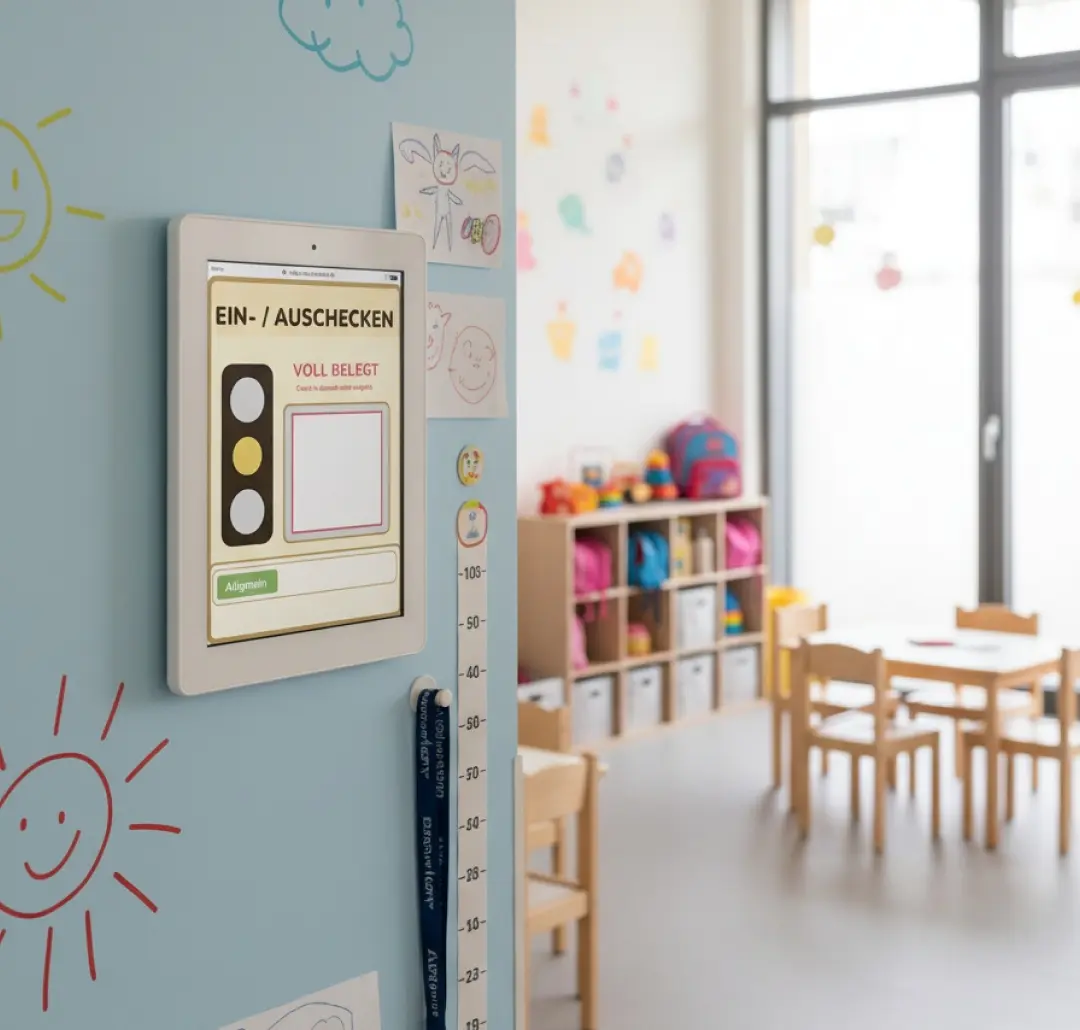
    The entrance tablet for staff and children

    One more Software, just a tablet, and done!

    Save yourself the hours of reconstructing attendance. Stop making staff and child decisions in the dark - and limit your personal liability in insurance cases and state inspections.

    Easy to integrate: as much technology as necessary, as little as possible. The goal is to reduce admin work, not add to it.

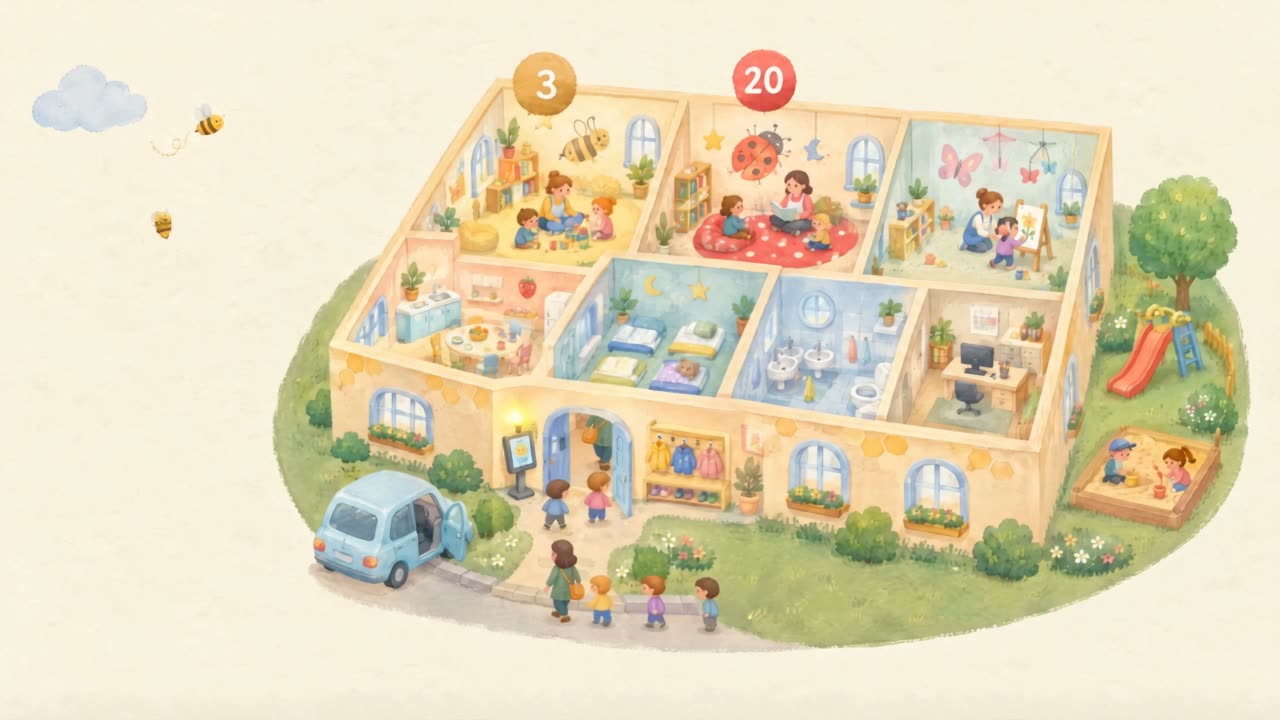
    Silent looping gouache cutaway of a daycare. Occupancy badges (3, 12, 18, 20; red when a group is overfull) float above the rooms. A check-in tablet stands at the entrance, families arrive and leave, the garden has a slide and sandbox. The camera does not move. The idea: the centre becomes transparent so leadership sees actual occupancy without reconstructing lists.

    Name, age, group. That is all it takes.

    Documentation, live overview and communication already work with very little data.

    Mia S.

    • Age4 years
    • Group / careBees · Full day
    • Address
    • Health data
    • Contracts
    • Documentation
    • Live overview
    • Communication

    Even pseudonymised.

    No effort, no stressful data entry.

    Mia S.

    • Age4 years
    • Group / careBees · Full day

    DocumentationLive overviewCommunication

    CSV import, once
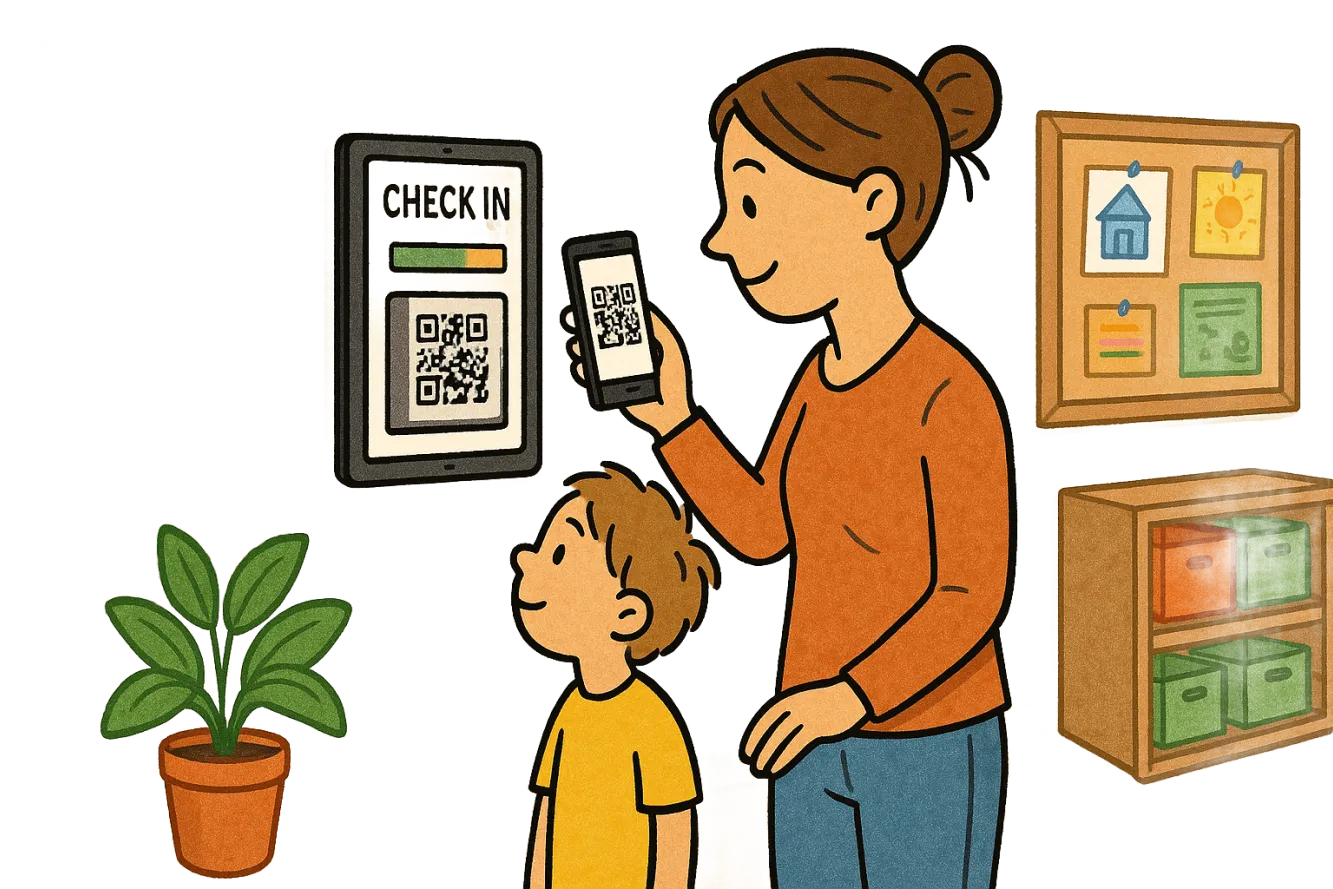
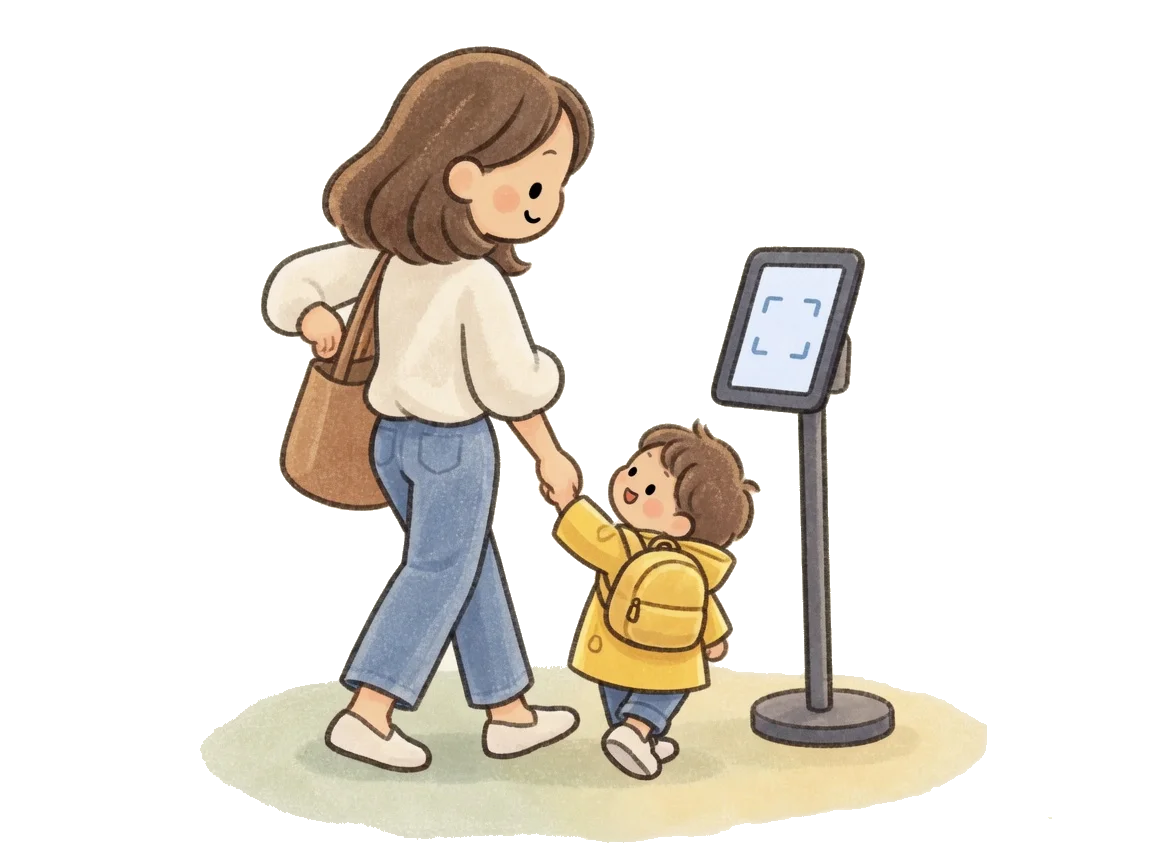
    Tablet at a daycare entrance with parent and child checking in via QR
    Generate daily reportAutomatic
    PDF
    Record_2026-05-21.pdf24 children · 8 staff · full day✓Timestamped & signed
    Stamp:05/21/2026 · 5:03 PM
    01
    Authority · Insurance · Provider

    Minute-accurate documentation - automatic.

    Every check-in and check-out is logged with a timestamp and stored audit-proof. Daily reports for authorities and insurance are generated at the press of a button - no paper, no Excel.

    Daycare leader handing a paper folder to a government clerk
    Insurance & risk checklistComplete
    ✓Attendance timestamped9h 47m
    ✓Incident notes attached2
    ✓Authorized pickups logged24/24
    02
    Ratios · Records

    Keep ratios and records right, automatically.

    Staff-to-child ratio and attendance are checked live against your state's licensing ratios. The system warns you before a gap becomes a problem.

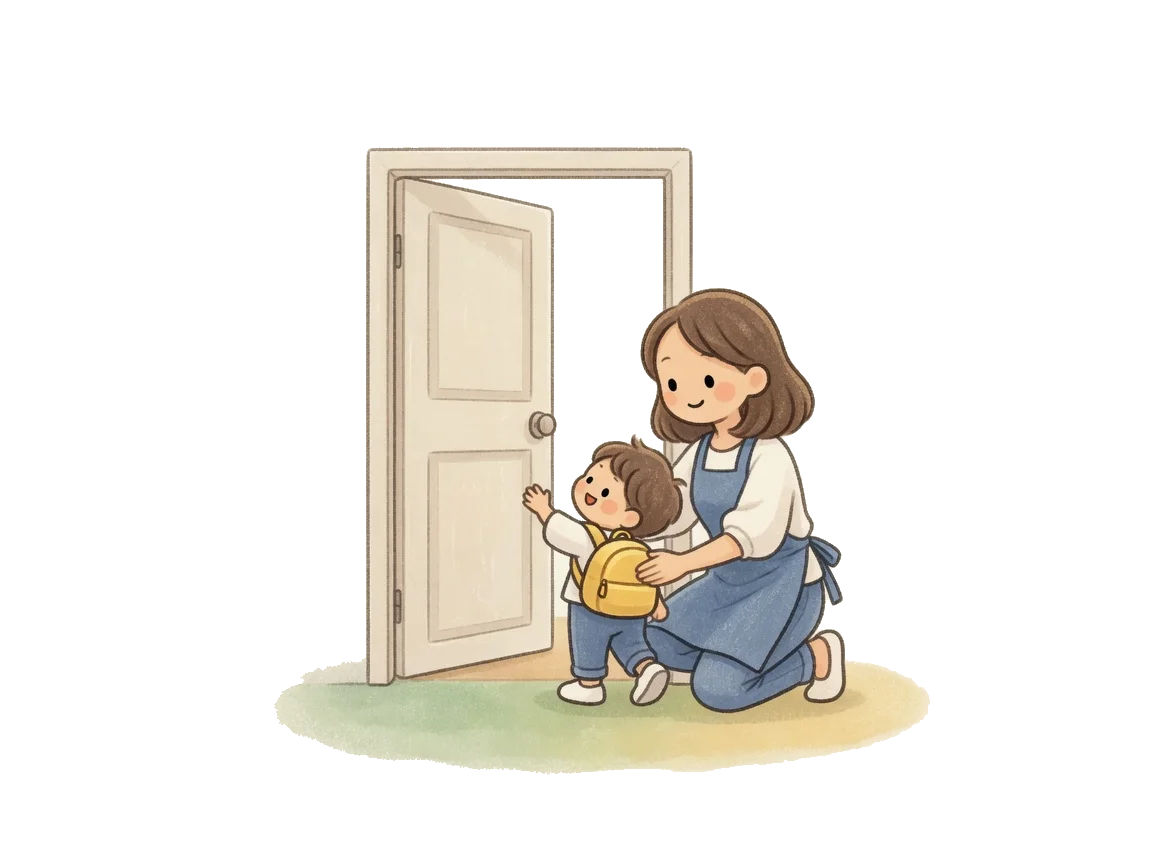
    Open daycare door, an educator kneels beside a child with a backpack
    7-day forecastActive
    Mo
    Tu
    We
    Th
    Fr
    Sa
    Su
    Bottleneck Wed · 2:00 PM+1 staff recommended
    03
    Planning · Capacity

    Plan better, close less.

    Staff and occupancy forecasts for the next 14 days surface bottlenecks before they become emergencies. Adjust shifts and onboarding in time - and rarely close groups.

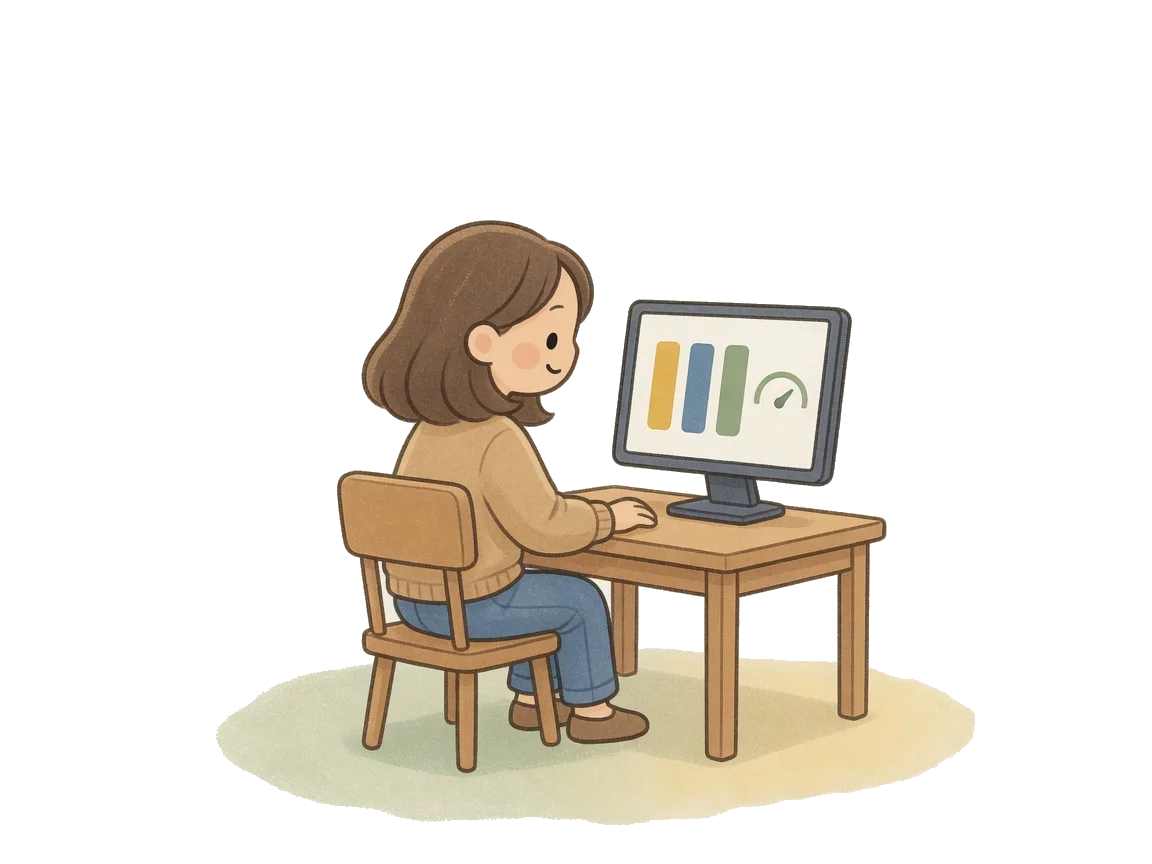
    Daycare manager at a desk, the screen shows bars and a gauge
    Center statusLive
    Occupancy · Today
    67%
    24 of 36 children · 2:32 PM
    Staff8
    Rooms3/3
    04
    Management · Provider

    Live overview of everything happening.

    Occupancy, traffic-light status, attendance and staffing - all on one screen. No calls to the group, no manual counting. See what's running in real time.

    Parent holding a phone with three colored dots
    9:14●●●
    InfoField trip today: please pick up by 2:00 PM.
    05
    Parents · Communication

    Inform parents transparently.

    Parents see daycare status and messages - and actively help the center with digital check-out and organization.

    Beenest runs - every day by itself.

    No confusing menus, no complex new software. That's the point: the tablet at the entrance does the work for you.

    Step 01

    Scan

    Parents and staff tap their card on the tablet. Check-in in under 2 seconds - even with two kids on your arm.

    Beenest · Entrance09:14
    QR recognised
    Lucas Müller
    Bees group
    Step 02

    See

    Management and providers see occupancy, traffic-light, groups - live in the dashboard. On tablet, desktop, and phone.

    News · BeenestLive
    67%
    Occupancy
    24 / 36 children
    Bees
    18/24
    Ladybirds
    20/22
    Butterflies
    12/20
    Step 03

    Regulate

    Management reacts instantly when the ratio gets tight: control intake or reallocate staff - before it gets critical.

    Action · LadybirdsAttention
    Ratio tight1 : 11
    Pause entry briefly
    Move a teacher from the Bees
    Pause entry
    Reassign
    Step 04

    Document

    For management and providers, daily reports are generated automatically - audit-signed, downloadable as PDF anytime.

    Daily report · 21 May 2026Auto
    Anwesenheit · Bees
    Signed
    Save PDF
    Preview
    Step 05

    Hand over

    The provider receives monthly, one click, all documents for authority and insurance in one package.

    Handover · operator / authorityReady
    Monthly report · May 2026
    Beenest package
    8 files · 2.4 MB · audit-proof
    ✓Attendance listPDF
    ✓Staff-to-child ratioXLSX
    ✓Supervision logPDF
    First: one-time setup

    To live operation in a few hours.

    No switch of your existing software needed: Beenest only needs each child's name, group, date of birth and care model. Nothing else.

    Your own tablet · no surcharge

    Entrance tablet

    Quoted separately

    • Tablet set up and ready
    • QR check-in with the camera
    • Optional: mobile SIM or Ethernet adapter

    Scanner on the tablet

    Quoted separately

    • Reads QR codes faster than the camera
    • For centres with a morning rush
    • Connected to the tablet by cable

    Check-in kiosk

    Quoted separately

    • Ready-made check-in station for the entrance
    • Screen and QR scanner in one device

    Every device is optional and quoted separately. Free use runs on your own tablet.

    1
    Tablet
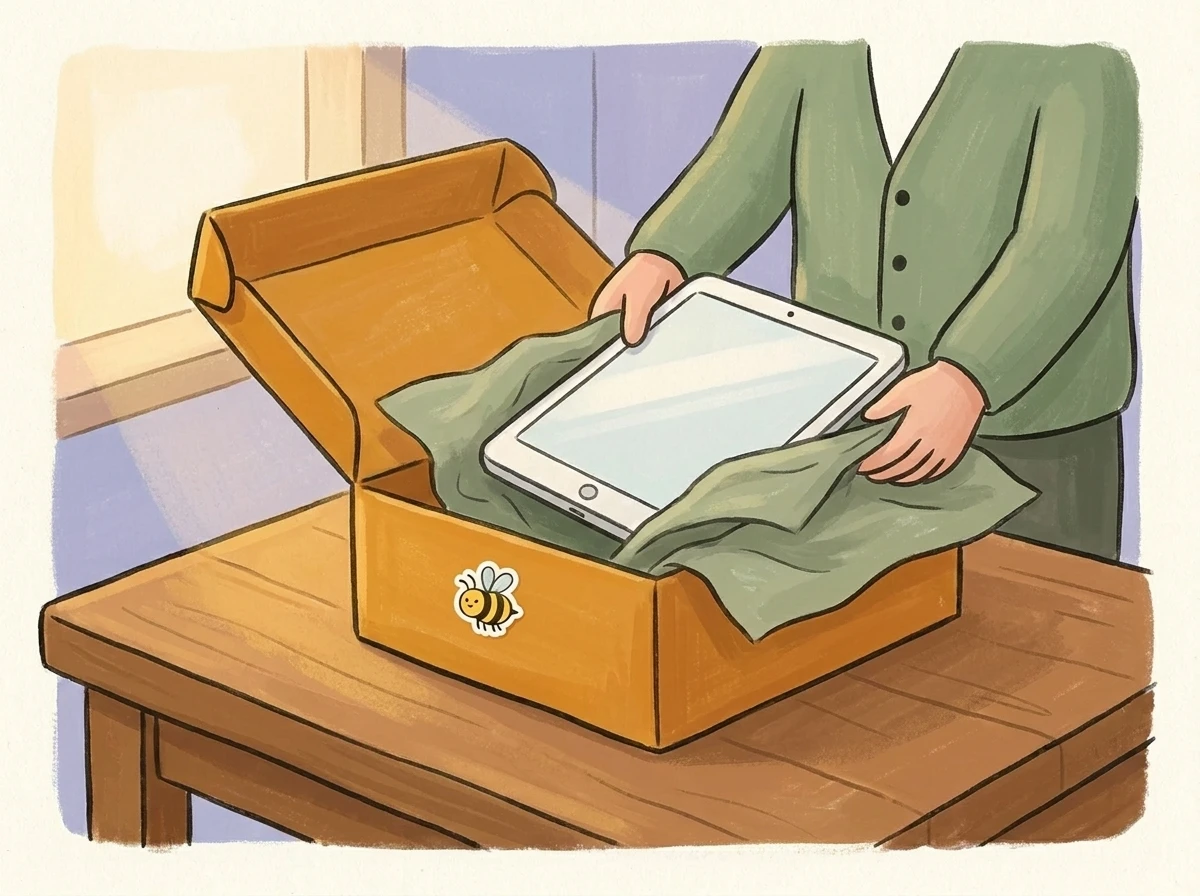
    Person unpacking a tablet from a Beenest box

    Set up your tablet at the door.

    Use your own tablet, or add one of our entrance devices, quoted separately. Sign in and the check-in runs.

    2
    Onboarding
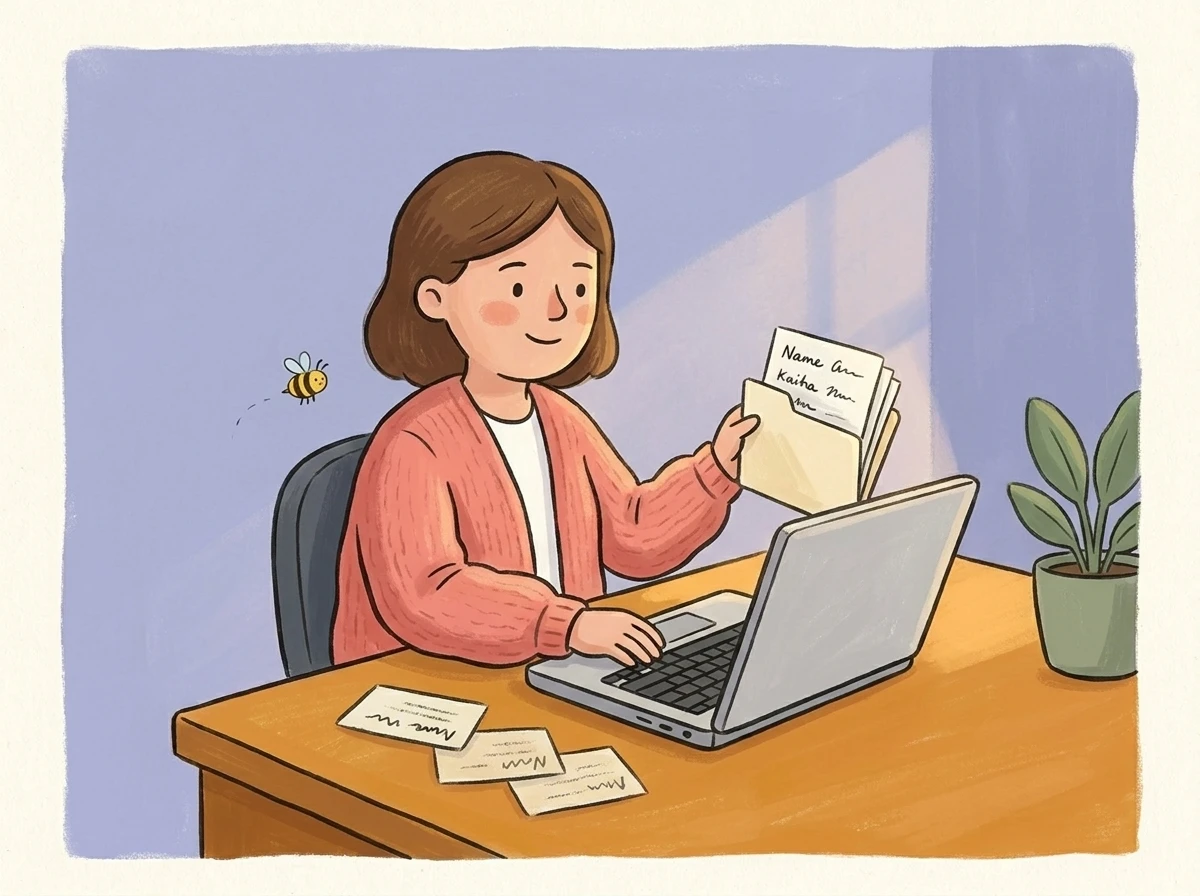
    Daycare leader entering children's data on a laptop

    Add staff & children.

    CSV import from your existing system or quick manual entry. We guide you via video call.

    3
    First day
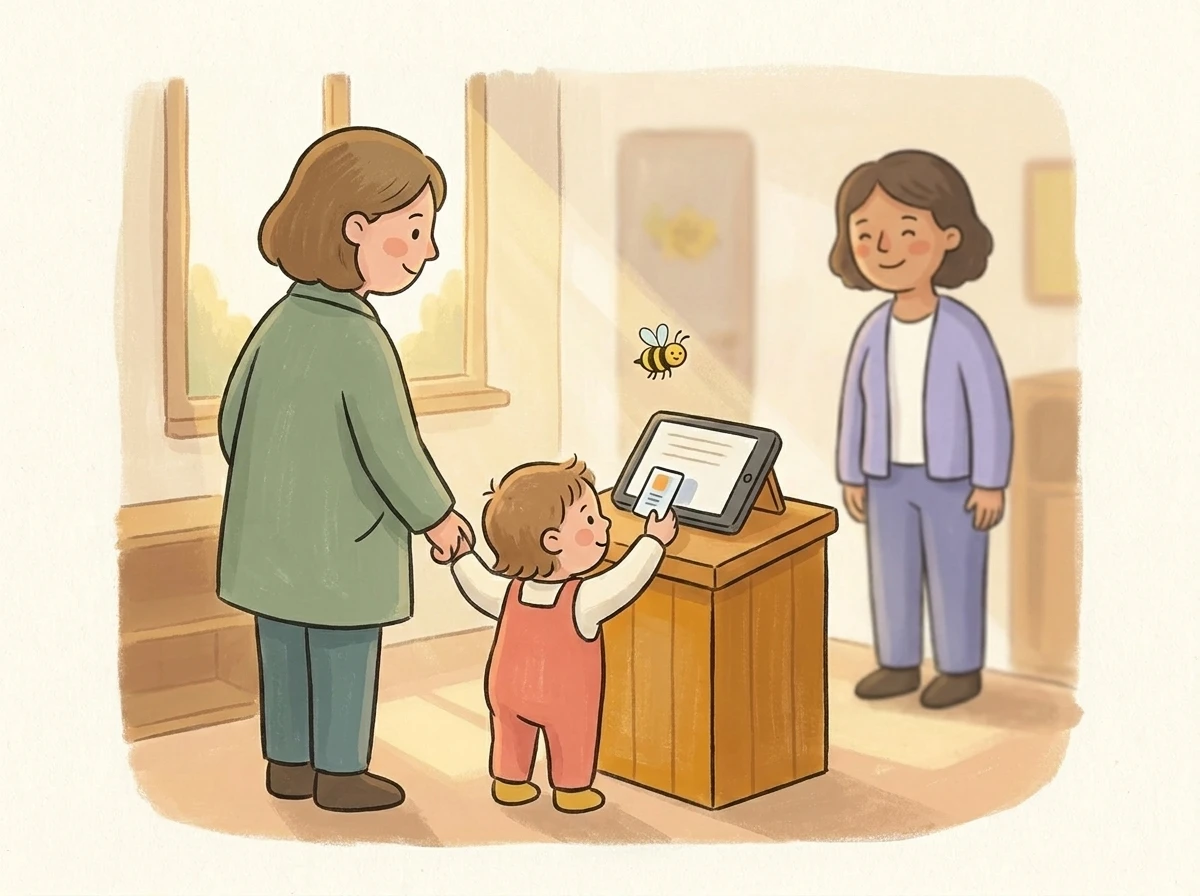
    Parent and child at first tablet check-in in a daycare entrance

    You go live - the next morning.

    Tablet at the entrance, parents scan, data flows into the dashboard. No second training day needed.

    AI that doesn't just think along but takes work off your plate, on every device: for directors, educators and parents.

    1. 1Office · Director

      Home AutopilotAutopilotOpenChildren 42 · Staff 6

      Autopilot

      Your daycare assistant

      Please sum up all of today's absences. Should we merge two groups?

      6 absences today: 3 sick, 2 holiday, 1 doctor's appointment. Ladybirds has 7 children, Bees 8. Together that is 15 children with 2 educators, the ratio holds.
      Merge groupsSUGGESTION

      Ladybirds and Bees together in Bees from 9:00, with Anna and Lena.

      Done at 8:12 am

      Write a message …
    2. 2Staff app · Educator

      AI helper

      Sunflower

      Team chatAI helperActions

      Can I take another colleague along on the walk?

      Yes. Lena from Bees is free until 11:00 and the ratio there still holds. I will ask her.

      And please tell the parents about the lantern festival on 11 November.

      KIDraft to parents · Ladybirds

      Dear parents, on Wednesday, 11 November we celebrate our lantern festival in the garden at 5 pm. Feel free to bring a lantern. Your Ladybirds team

      Sent to 15 families

      Write a message …
      TodayGroupWorkChat
    3. 3Group tablet · Day report

      Ladybirds

      Ratio met
      Staff planChat / PinboardGroup day reportStaff

      Day report · Ladybirds

      Today
      Dictate

      Today we went to the park and collected chestnuts. Then we counted them together, up to ten and beyond. After lunch everyone worked with clay.

      Shared with the Ladybirds parents
    4. 4Parent app · Family

      My child

      Mia

      My group · Yesterday's day report

      Today we went to the park and collected chestnuts. Then we counted them together, up to ten and beyond.

      What did Mia learn at the daycare last week, and what was the educational goal?

      Mia counted to 10 while collecting chestnuts and worked with clay. Goal of the week: grasping quantities and fine motor skills.

      Write a message …
      TodayMy childBlogSettings
    5. 5Office · The AI checks in

      Home AutopilotAutopilotOpenChildren 42 · Staff 6

      Autopilot

      Your daycare assistant

      I have planned the staff for next week. Will you review the plan for me and accept it?
      Rota 19 to 23 OctoberSUGGESTION

      Every group is covered at all times. I swapped two early shifts because of holidays.

      Mon
      Tue
      Wed
      Thu
      Fri
      Planned by AI

      Accepted at 4:05 pm

      Write a message …

    Your data protection made simple.

    The AI data guard

    Before a text from the web app or the group tablet goes to parents or onto your website, the AI data guard checks it: messages, messages to one family, events, group reports, diary notes, blog and website. If it finds something, the field turns red. The AI never changes the text, you fix it yourself.

    1. 1Name check, without AI

      The server compares the text with the names of the children in your daycare. No AI, no credits. The list of names never leaves the server.

    2. 2AI check in the EU

      Then an AI in the EU reads the text, with the children's names replaced by placeholders first. It only answers with a verdict, and Beenest stores none of it. Needs AI credits; without credits the name check runs alone.

    On by default. A text with a finding can only be sent by the manager, after entering the admin password. Texts from the staff app and the team chat are not checked.

    Messages

    New messageTextPoll

    Recipient (daycare group)

    Bears

    Message for Bears

    Enter your message...

    AI data guard is switched on

    Send text message

    And Beenest itself

    • Few data are enough

      Name, date of birth, care hours and group are enough for documentation, the live overview and messages.

    • AI in the EU, no training, no storage

      Text, speech and photos are processed through Google Vertex AI’s EU endpoint. Inputs train no model and are not stored¹. Only image generation runs globally, without personal data; the provider can switch it off.

    ¹ Exception: if abuse is suspected, Google may keep inputs for up to 90 days. Beenest itself stores nothing.

    What does the AI see? The provider sets the limit.

    Each daycare picks its AI privacy level, and the provider sets the highest level for all its facilities. The lower one applies.

    At most real names of educators. The AI sees children only as “Child 1”, “Child 2”. The default for every daycare.

    In Beenest

    • Anna Weber · early shift
    • Mia Schulz · here since 7:42
    • Ben Koch · picked up 13:10

    What the AI reads

    • Anna Weber · early shift
    • Child 1 · here since 7:42
    • Child 2 · picked up 13:10

    What the facilities write themselves (team chat, pinboards, notes, events) is read by the AI unchanged on every level except “Off”, including any names in it.

    Your whole centre at a glance, as a floor plan.

    Every room shows who is there right now. Live from the check-ins, no head counts.

    Groups right now

    Colour children by:
    • Children
    • Educators

    On every room: maximum, today's daily limit and the fallback group.

    Photograph a sketch, and the floor plan is ready.

    Draw the rooms on paper, write the group names inside, take a photo. You check the matching and save. Rooms without a group get a “#”, such as “#Gym”.

    Group lights at the entrance

    If you like, the check-in screen shows the light of selected groups. Green, yellow or red is also spelled out.

    Parent communication at Beenest

    What sets us apart: as much as needed, as little as possible.

    Parents tap fixed actions and write no messages that someone has to read and answer. The centre sends what parents need: how full the centre is right now, the group's daily report and short notes about the child.

    Parents to the centre

    • Report absence
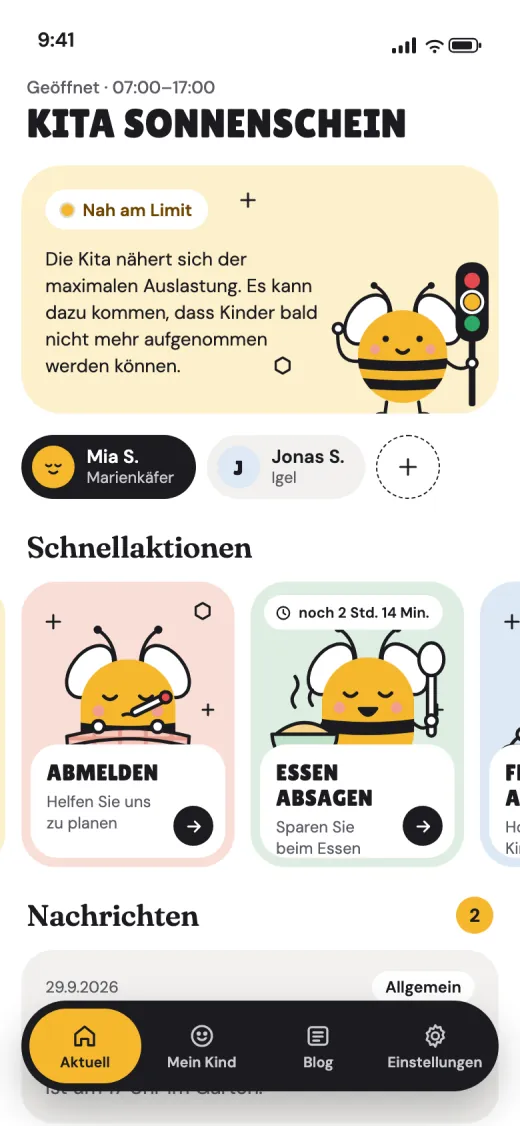
    • Cancel meal
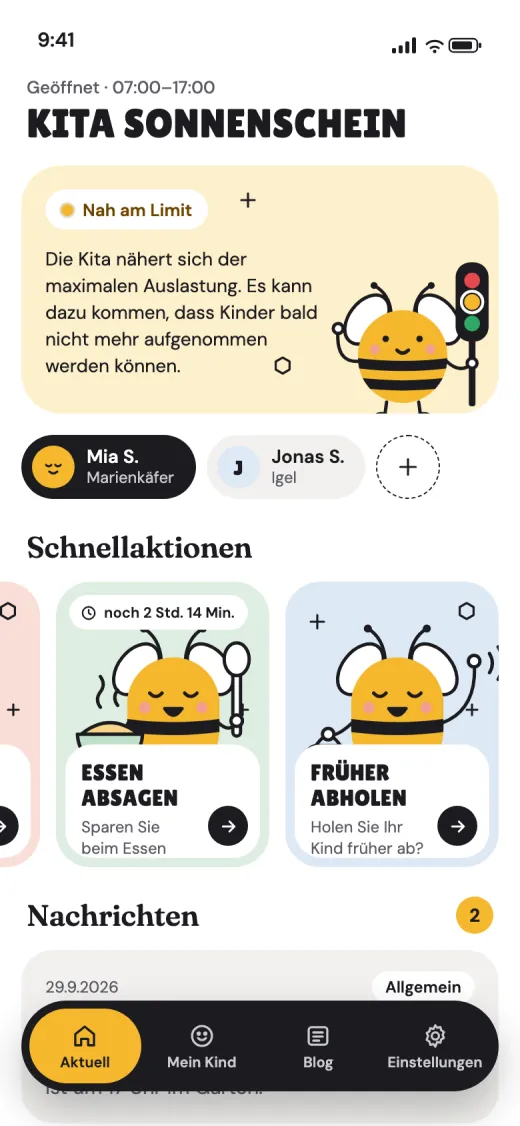
    • Early pickup

    Centre to parents

    • Live centre status
    • Messages
    • Group daily report
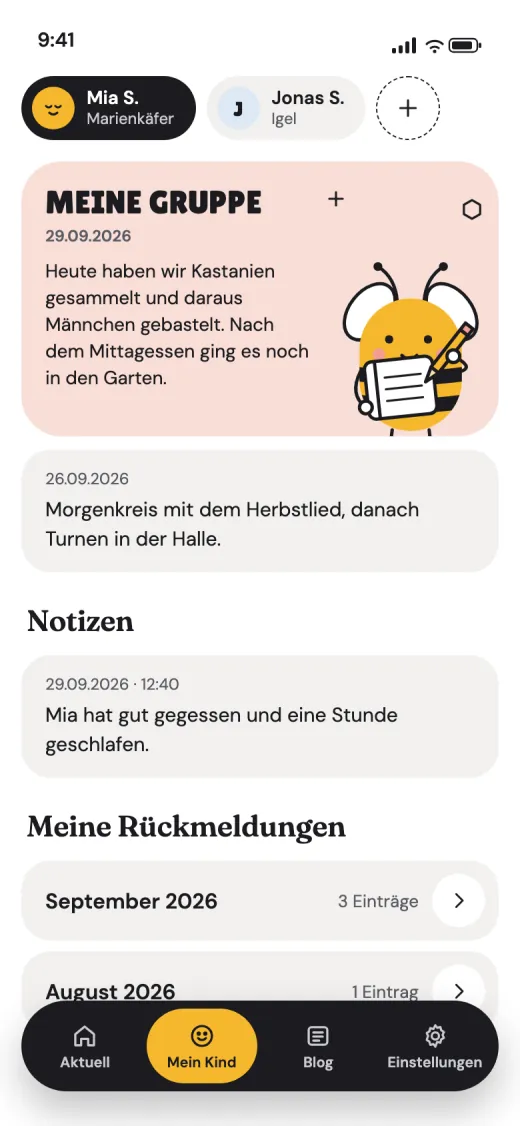
    • Notes on the child

    Sign in with a QR code, no account. Siblings in the same app. The centre decides which actions parents see.

    Parent app: Centre status
    BEENESTnow

    Sunshine: near the limit

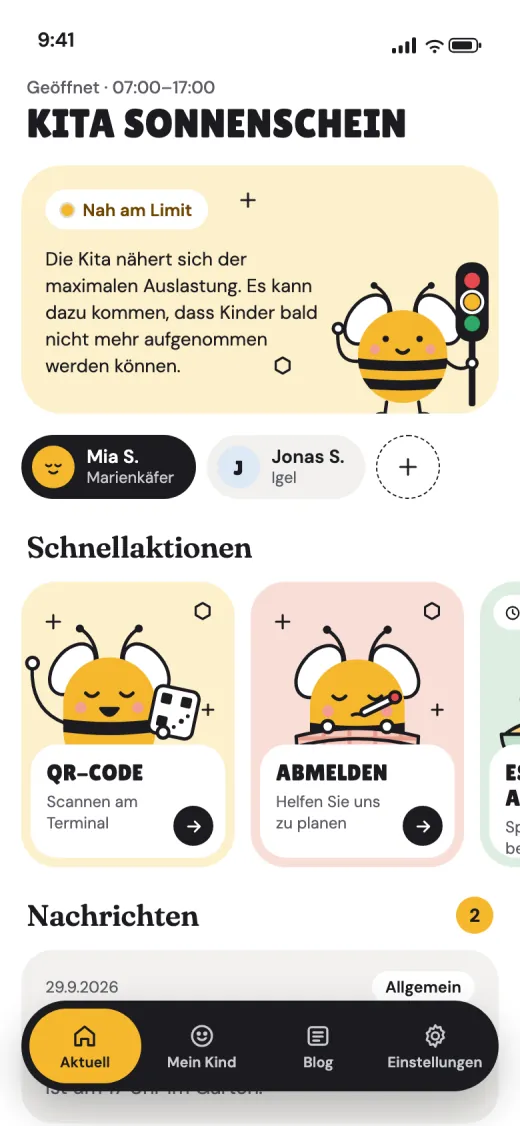
    The centre may soon stop admitting children.

    Parent app for iOS, Android and web

    Every channel between centre and parents

    Parents to the centreCentre to parents
    • Messages & polls

      Notices on the phone, with a vote.

    • Push notifications

      Know right away when something changes.

    • Live centre status

      How full the centre is right now.

    • Notes on the child

      Short notes about your own child.

    • Group reports

      The group's day, in the app every evening.

    • Blog posts

      News from the centre, with photos.

    • Centre websiteBeta

      Your own page, built with AI.

    • Calendar & events

      Dates with RSVP, with a fee if needed.

    • Report absence

      Sick or on holiday: one tap.

    • Cancel meals

      The kitchen knows right away.

    • Early pickup

      Let the centre know, no phone call.

    • Parent pin board

      Notices that used to hang on the door.

    • Menu & allergens

      What's for lunch this week.

    • Consents

      Permissions per child, digital.

    • Receipts & remindersBeta

      A receipt, and a nudge when something is open.

    • Public parent page

      The live status, even without the app.

    And more: Beenest can use these external tools

    • Phone
    • SMS
    • Email
    • ChatGPT

    The anatomy of staff planning with us

    We prepare your staff records for you. If you also plan with Beenest, we bring all planned and actual data together – including working from home and other special situations.

    This is how planning becomes fun!

    Let the time runSunflowers group, Thursday

    Time runs on its own. Or drag the slider: the actual time grows inside the light plan box. Planned time nobody covered is hatched orange.

    • Planned shift
    • Recorded presence
    • Still checked in
    • Planned time without check-in
    • More than planned, still open
    • Planned, not here · please classify

    One shift, viewed at 11:00

    • Plan box – Light, fills the row: what was planned.
    • Bar – Inside the box: the actual time from check-in.
    • Open edge – The person is still here, the bar keeps growing.
    • Now – Everything to the left is the past.
    • Remaining plan – What is still to come stays the light box you can move.
    See all visuals
    Beenest - decorative bee illustration

    Exports, reports
    and API

    Generate detailed reports and export data in various formats for your records

    We turn the automatically collected data into reports

    • Attendance reports
    • Staff reports
    • Meal reports
    • Accident reports
    • Licensing reports
    • and more

    For example, click to open:

    … or ask the bee for exactly what you need

    Dataset, period and layout in one sentence. The bee builds the Excel sheet or the PDF from it.

    Custom export with AI
    Absences_Bears_September.xlsx
    ChildMissed daysof which sick
    Mia22
    Ben00
    Lina31
    Emil11
    Noah43

    Absences_Bears_September.xlsx · ready to download

    Connect our live data to …

    • Staff hours API

      Working hours straight into your payroll and HR software.

    • Your reporting interface

      Reporting submissions, straight from the live data.

    • Custom interfaces within 48 hours

      You name the format, we build the connection.

    • Your in-house AI

      Your own AI queries Beenest directly.

    P
    Daily_log_22-05-2026.pdf
    Sunflower · Bees group · 6 children · 4 staff
    MITTAG
    06070809101112131415161718
    Staff4 specialists · Σ 27,3 h
    SK
    Sarah KochEarly shift
    07:23 - 14:08
    07:2314:08
    6,8 h
    MW
    Markus WeberEarly duty
    06:52 - 13:07
    06:5213:07
    6,3 h
    LM
    Lena MüllerDay shift
    08:47 - 16:04
    08:4716:04
    7,3 h
    AB
    Anna BauerLate shift
    10:53 - 17:56
    10:5317:56
    7,0 h
    Children6 present · Σ 44,9 h care
    1234
    Lucas MaierFull day
    07:18 - 16:07
    07:1816:07
    8,8 h
    2187
    Emilia KöhlerPart time
    07:52 - 14:23
    07:5214:23
    6,5 h
    3045
    Finn BauerExtended
    07:04 - 16:11
    07:0416:11
    9,1 h
    4112
    Mia SchäferHalf day
    08:12 - 12:41
    08:1212:41
    4,5 h
    5028
    Jonas RothFull day
    07:27 - 16:38
    07:2716:38
    9,2 h
    6041
    Lina HofmannPart time
    08:06 - 14:53
    08:0614:53
    6,8 h
    Legal daily thresholdRatio rules · staff minimum & incidents
    Min. 2 specialists presentcontinuously met 06:52 - 17:56 · 11 h
    Met
    Actions requiredno special incidents today
    N/A
    As of · 22.05.2026 · 18:05 · generated automatically from entry terminal
    PDFCSVProvider

    Export Data Your Way

    • Create professional PDF reports. Charts and graphics coming soon!
    • Export attendance records for compliance reporting
    • Create custom reports based on your requirements
    • Download data in various formats (PDF, CSV, Excel)

    Documented Data Points

    All data is automatically captured and available in the daily report

    Data points 25Auto-trackedShow all
    Data PointLiveReport
    Core documentation
    Minute-accurate child attendance (with modalities)●●
    Minute-accurate staff attendance (with group & work model)●●
    Live staff-to-child ratio●●
    Daycare capacity throughout the day●●
    Capacity exceedances (minute-accurate)●●
    Group distribution●●
    Emergency attendance list●●
    Licensing and insurance records-●
    Staff
    Missing staff●●
    Staff hours with children-●
    Total staff hours-●
    Unscheduled staff hours-●
    Visual staff planning / duty roster●●
    Hours account (planned vs actual)-●
    Overtime, breaks, etc.-●
    Communication
    Child absences●●
    Early pickups●●
    Facility status (traffic light)●-
    Meals
    Meal cancellations●●
    Live overview for the kitchen●-
    Meal matrix (child × opening day)-●
    Meal billing per child-●
    Provider
    Provider dashboard (all sites)●●
    Report archive across facilities-●
    Meal costs across facilities-●
    25 data points documentedPDF · Excel · CSV

    Exports & Formats

    Every analysis is available for download - in the daycare admin and the operator dashboard

    Daycare Admin 10
    • Daily & weekly report (compliance)ExcelPDF
    • Staff report day / week / month (target vs. actual + hours account)PDFExcel
    • Duty roster / weekly planPDFPrintExcel
    • Meal cancellations (incl. supplier email)ExcelPDF
    • Meal matrix (child × opening day)Excel
    • Meal billing per childPDF
    • Absence-day overviewExcel
    • Group daily report (handover record)PDF
    • Accident evidence for your insurerPDF
    • QR code sheets for children & staffExcelPDF
    Operator Dashboard 7
    • Report archive across all facilitiesExcelPDF
    • Staff reports per facilityPDFExcel
    • Duty roster per facilityPDF
    • Meal cost exportExcel
    • Meal cancellations (across facilities)ExcelCSV
    • Meal matrix (child × opening day)Excel
    • Meal billing per child (incl. email dispatch with receipt)PDF

    Green formats open a real sample document, produced by the Beenest export engine - every name and figure inside is fictional.

    Check-in terminal in the entrance area
    Check-in Terminal

    One Tablet. One QR Code.
    Done.

    The terminal in the entrance area is set up in minutes and ready to use immediately - for parents, staff and management.

    Scan QR Code - Done

    Parents scan their personal QR code to check in and out. No typing, no searching.

    Live Status & News

    Parents see the current daycare status and latest news directly at the terminal.

    Automatic Capacity Lock

    When the daycare reaches its capacity limit, check-in is automatically blocked - no overcrowding.

    Easy Setup

    Set up tablet, log in, done. No IT knowledge required - use your own tablet or add one of our devices.

    Keep an eye on all your centers.

    Live numbers, daily, weekly and monthly reports - per location and across the whole group. All from one dashboard.

    Group · 4 sites
    164
    Children
    32
    Specialists
    71%
    Ø occupancy
    Sites · 4
    S
    SunflowerRiverside · 60 places
    P
    DandelionHillcrest · 48
    M
    LadybirdOakwood · 36
    B
    HoneycombLakeview · 54
    Active center

    Sunflower

    Riverside · 4 groups · 60 places
    OccupancyLive
    68%
    Children
    41
    Staff
    9
    Day curve · Forecast
    Now 11:20
    403020100MITTAGJETZT06081012141618
    ChildrenStaffForecast
    Latest reports
    4 export types
    P
    Licensing_Report_May_2026.pdf
    Licensing4 sites · 14:25
    ✓ Done
    P
    Insurance_Documentation_22-05-2026.pdf
    InsuranceSunflower · 18:05
    ✓ Done
    X
    Meal_Cancellations_W21_Billing.xlsx
    MealsSunflower · Mon · 09:00
    ↻ Loading
    Compliance

    Always compliant, clearly documented.

    Live group viewReports & exportsIncidents & traffic lightsSingle sign-on across all centers
    Questions? Talk to us! →

    Talk to us

    A short phone call about your questions, including how Beenest fits the software you already have.