
The Beenest parent app: is it worth it?
The parent app is optional. Your center runs fine without it. Here is an honest overview: what speaks for it, what speaks against it, and how to make the app usable for your families.

What the parent app looks like
A look at the features that matter most.

What speaks for it
Where the app helps parents and the center in practice.
Live center status
Parents see whether the center is open and how the day looks, in real time. That builds trust.
Digital QR code
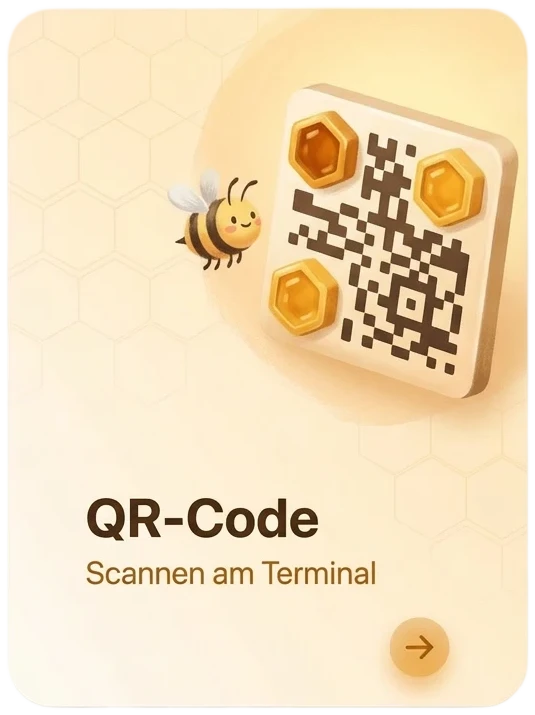
The child's QR code lives in the phone, even in the wallet. Nothing to print or forget.
Handle it themselves
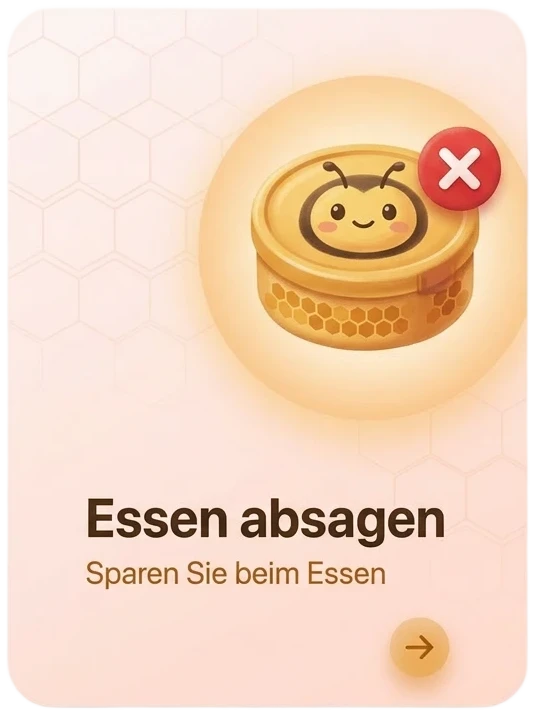
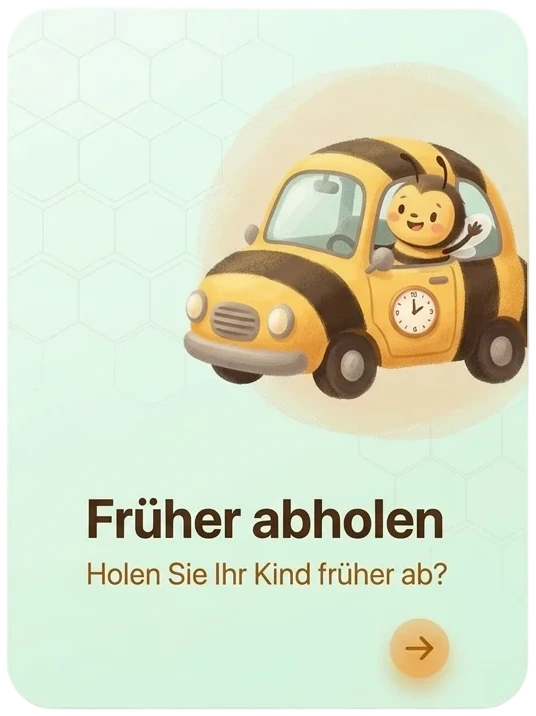
Report an absence, cancel a meal, or flag an earlier pickup, right from the app.
Messages and updates
The center reaches every family directly, so important notices don't get lost in a pile of paper slips.
28 languages
Every family uses the app in their own language, a real gain for inclusion and understanding.
Lighter load on the center
Fewer phone calls, and better planning thanks to early absence notices.
What speaks against it
Named honestly, so you can make an informed decision.
Not every family wants a mobile app
Some parents don't have a smartphone or would rather not install apps. Always keep an alternative. Families can report an absence without the app too, even when that is less convenient for the center.
Access has to be shared
Each child's QR code has to reach the family securely. That is a one-time bit of setup.
No pickup authorization
The app does not decide who may pick up a child. Who is allowed to collect a child stays with the center.
Depends on device and internet
It only works while the parent's device is online. Check-in at the center runs completely independently.
How to make the app usable for parents
Three steps and your families are ready to go.
Share each child's QR code
Give families the child's personal QR code. That is all they need to open the app, with no account to create.
Point them to the app
Families download the Beenest parent app for iOS or Android and scan the code to get started.
Keep an alternative ready
Families who would rather not use the app can still take part. There is always a non-app way to report an absence.
What families need to sign in
Just the child's personal QR code. Parents open the app and scan it, with no account and no password to manage.
Want to roll out the parent app?
We will walk you through setup and how it fits your center.